Quick Start
Prerequisites
- Guanyun Platform Version: >=2.0.0
- Collector Version: >=4.0.0.0
- Java Agent Version: >=4.1.0.0
- OneAgent Version: >=3.7.0
Configuration Steps
Application Configuration
Method 1: Global Configuration
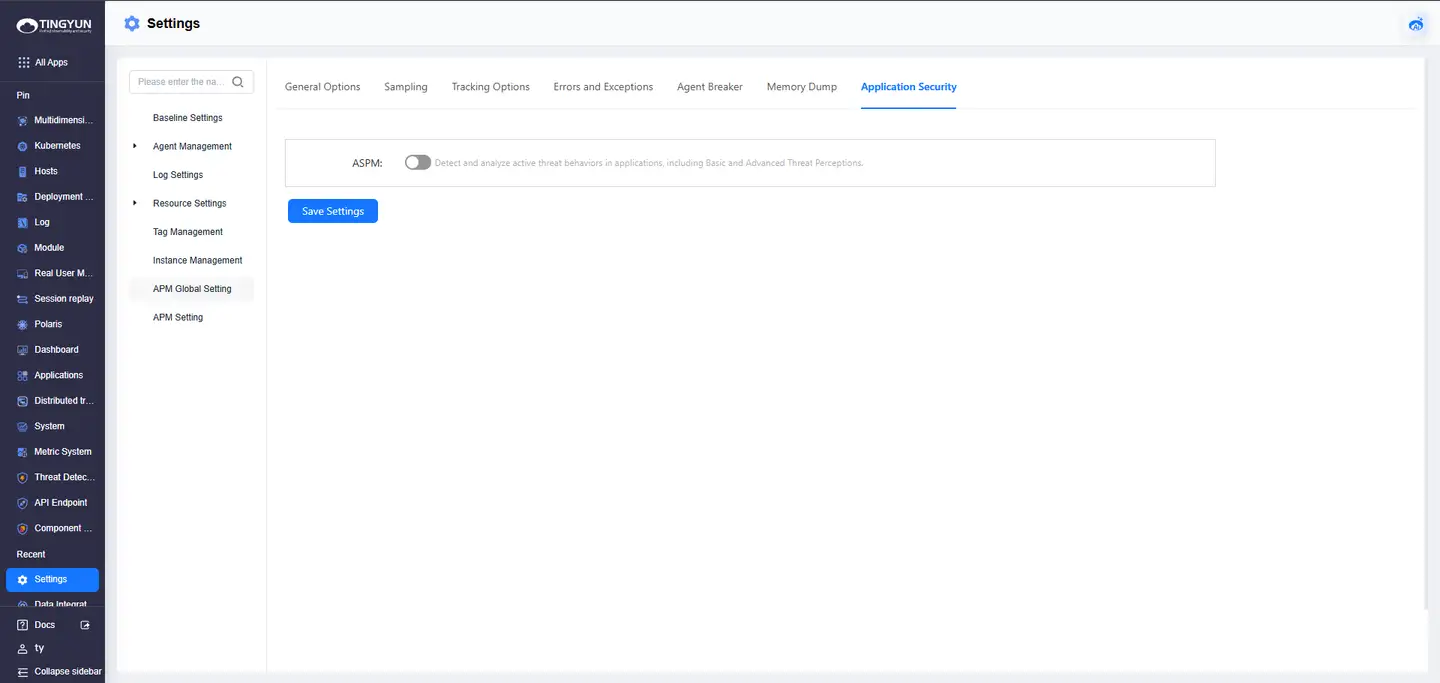
Enable application security observation through global configuration on the platform:"All Apps > Settings > APM Global Settings > Application Security"to enable the global configuration of application security observation.
Method 2: Individual Configuration
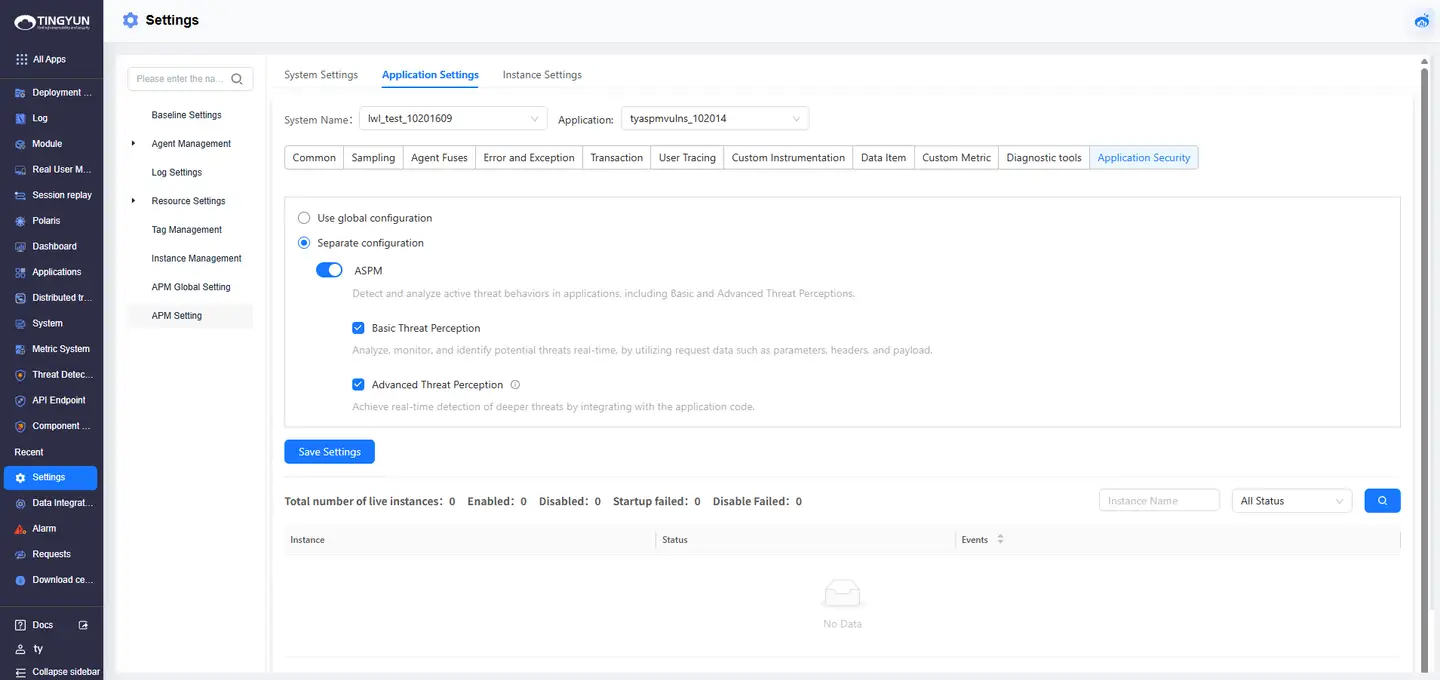
After deploying the Agent (refer to Agent Configuration), wait for the application to go online, then enable deep threat detection capabilities through individual configuration: "All Apps > APM Settings > Application Settings > Application Security > Separate configuration > Application security observation > Deep threat awareness" to enable deep threat detection.
Agent Configuration
Deploy OneAgent (java.conf) and Java Agent (tingyun.properties) and set the following configuration parameters from false to true:
aspm.plugin_enabled=true
capture_full_parameters=true
Policy Rule Configuration
Create a new policy template: "Threat Detection > Settings > Policy Management > New" to create a security policy template.
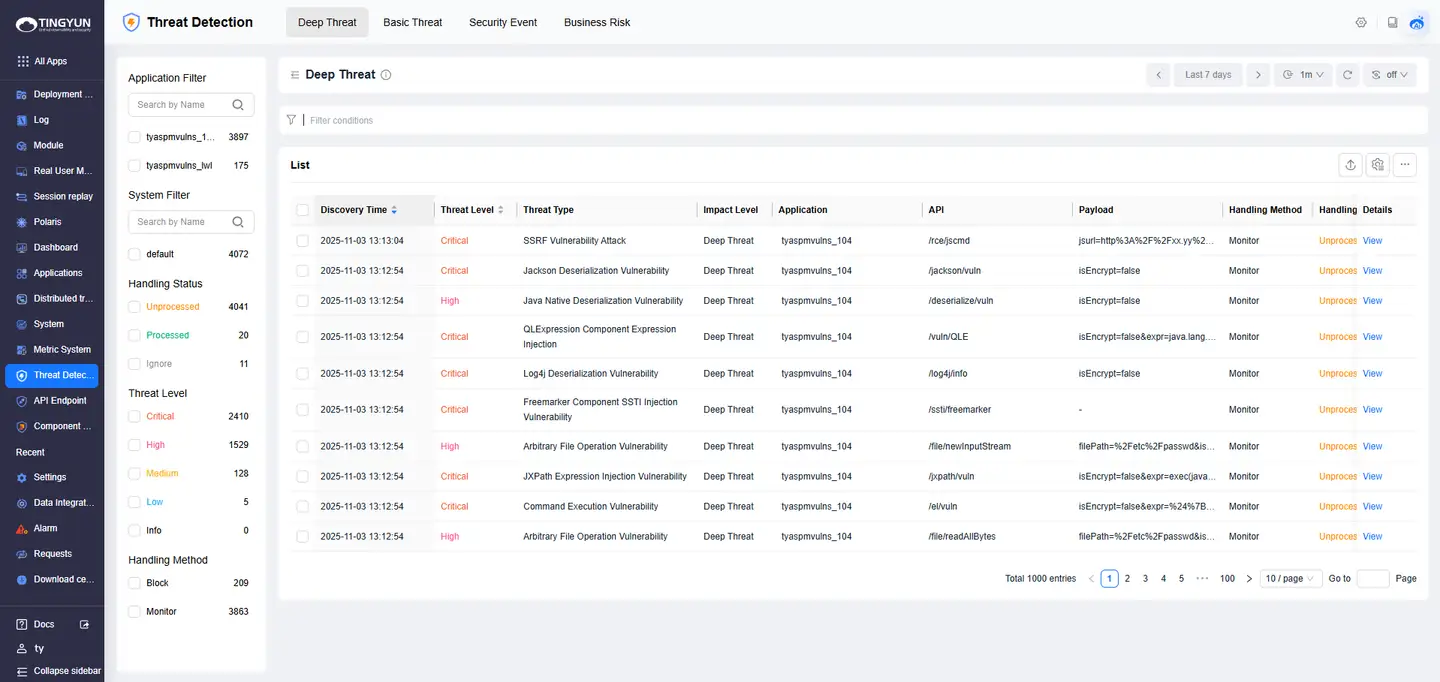
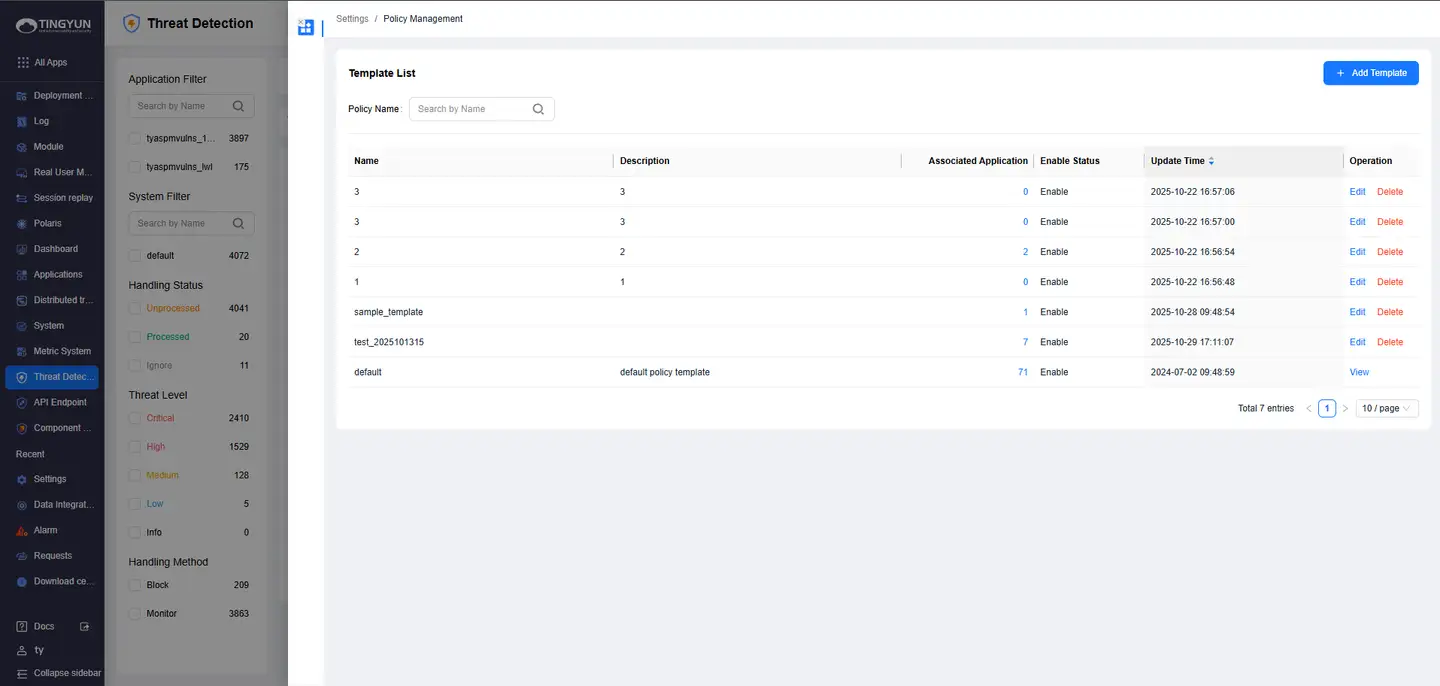
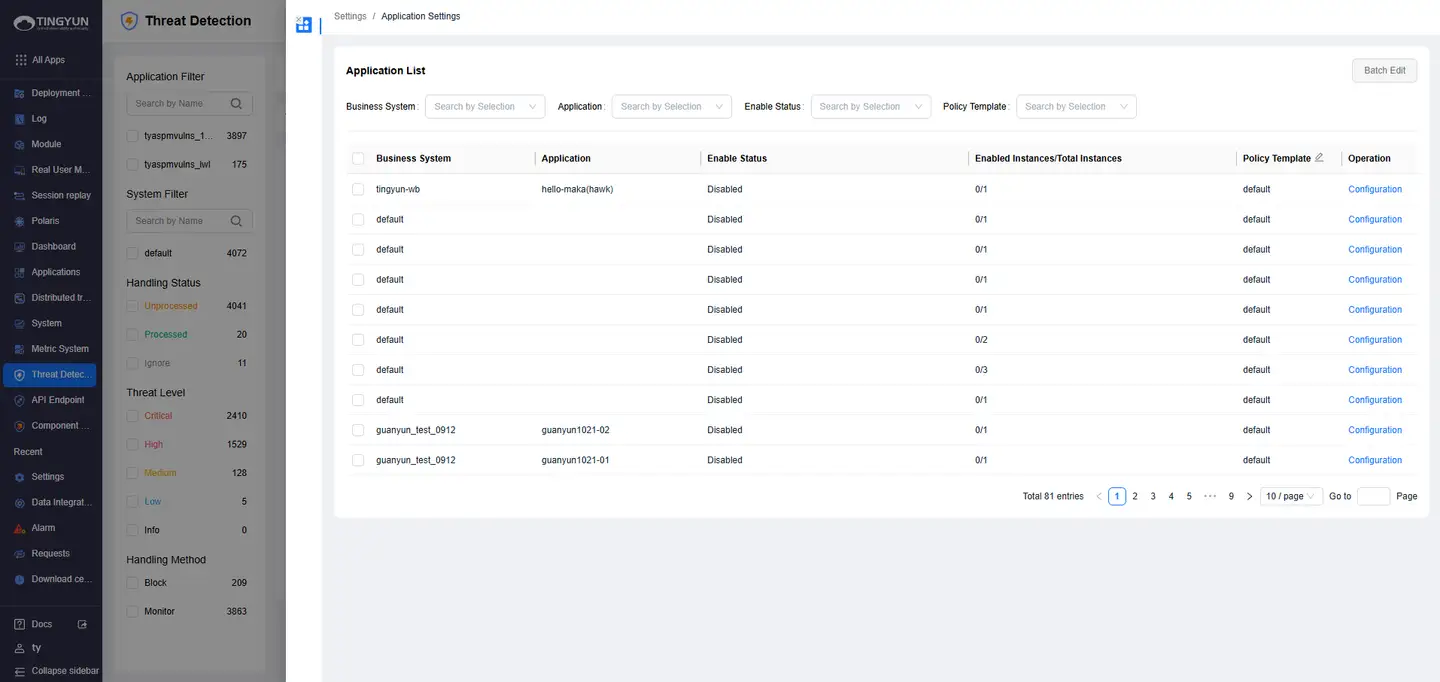
Configure security policy: "Threat Detection > Settings > Application Settings" to configure the security policy template.
Verify Data
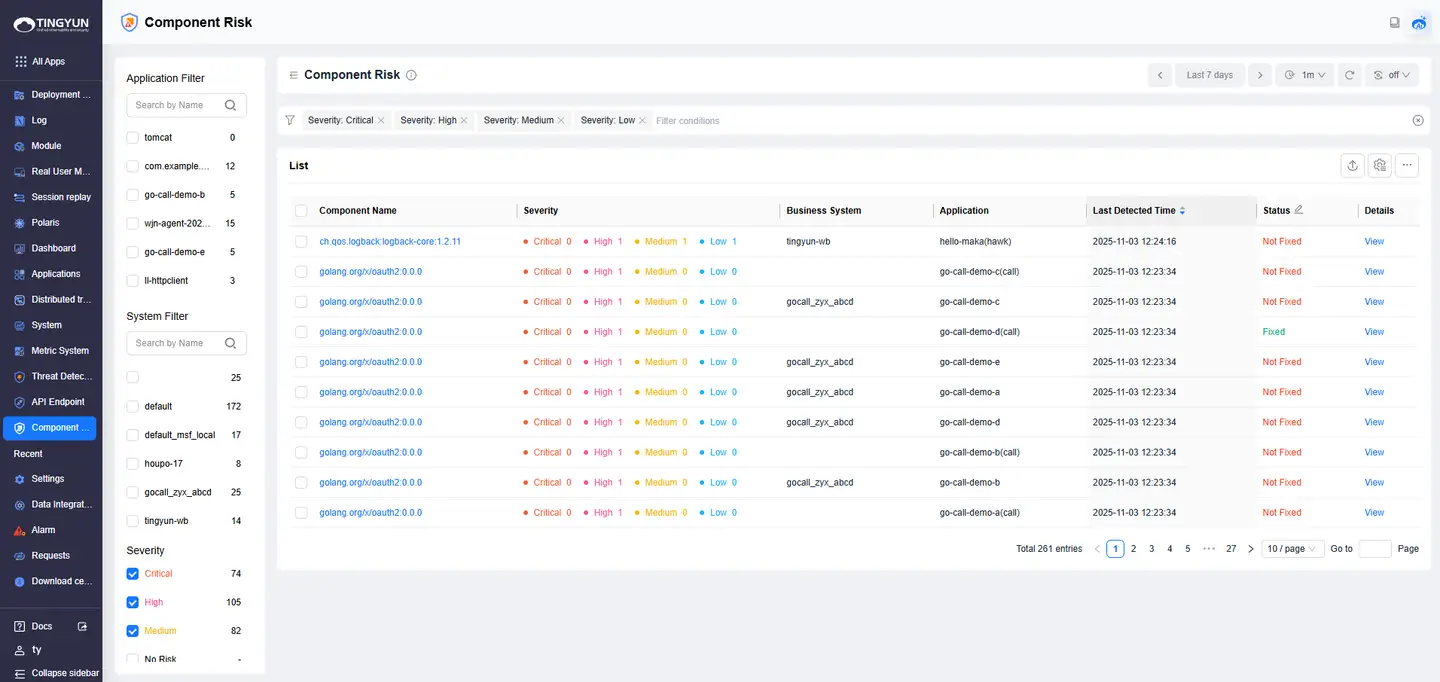
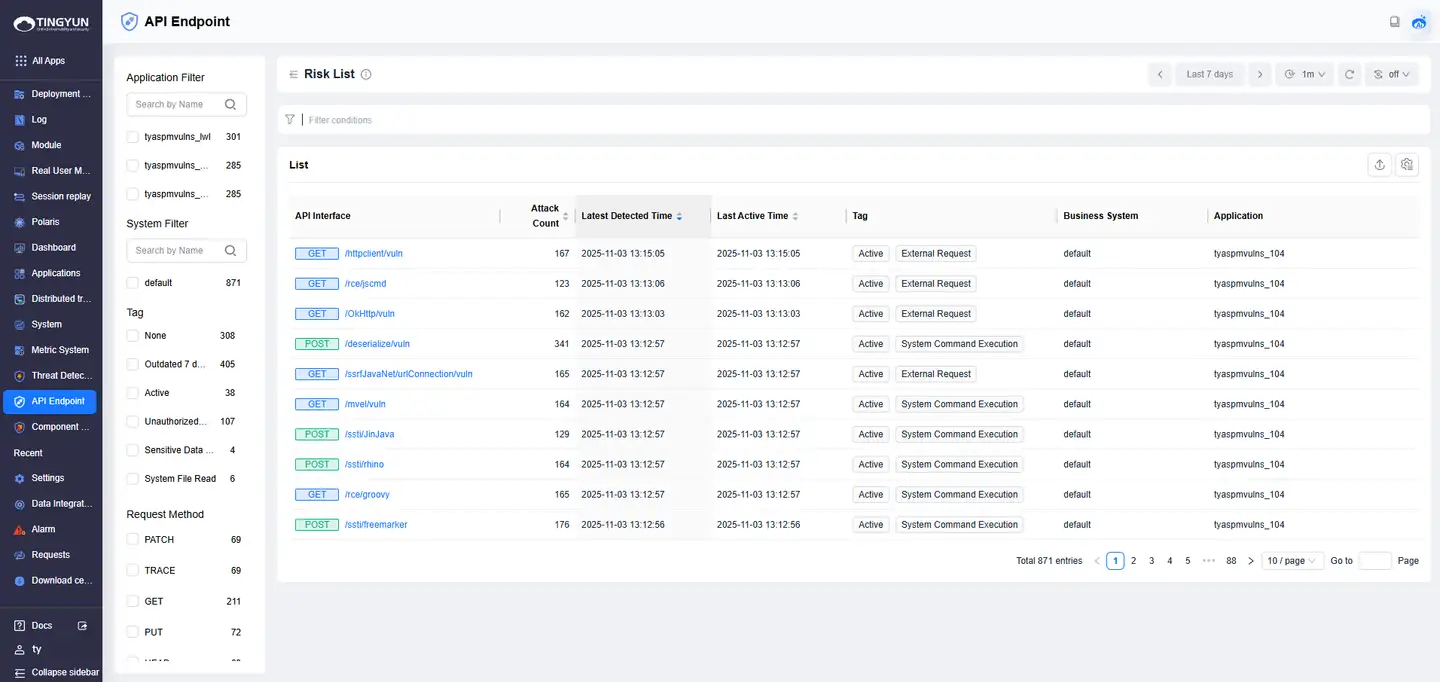
After deploying the Agent and restarting the application, the "Component Risk" and "API Endpoint" modules will automatically collect data by default. It is normal for the [Threat Detection] module to have no data when there are no attack behaviors.