Enable Application Security Module
- Guanyun Platform Version: >=2.0.0
- Collector Version: >=4.0.0.0
- Java Agent Version: >=4.1.0.0
- OneAgent Version: >=3.7.0
Report and Agent Configuration Instructions
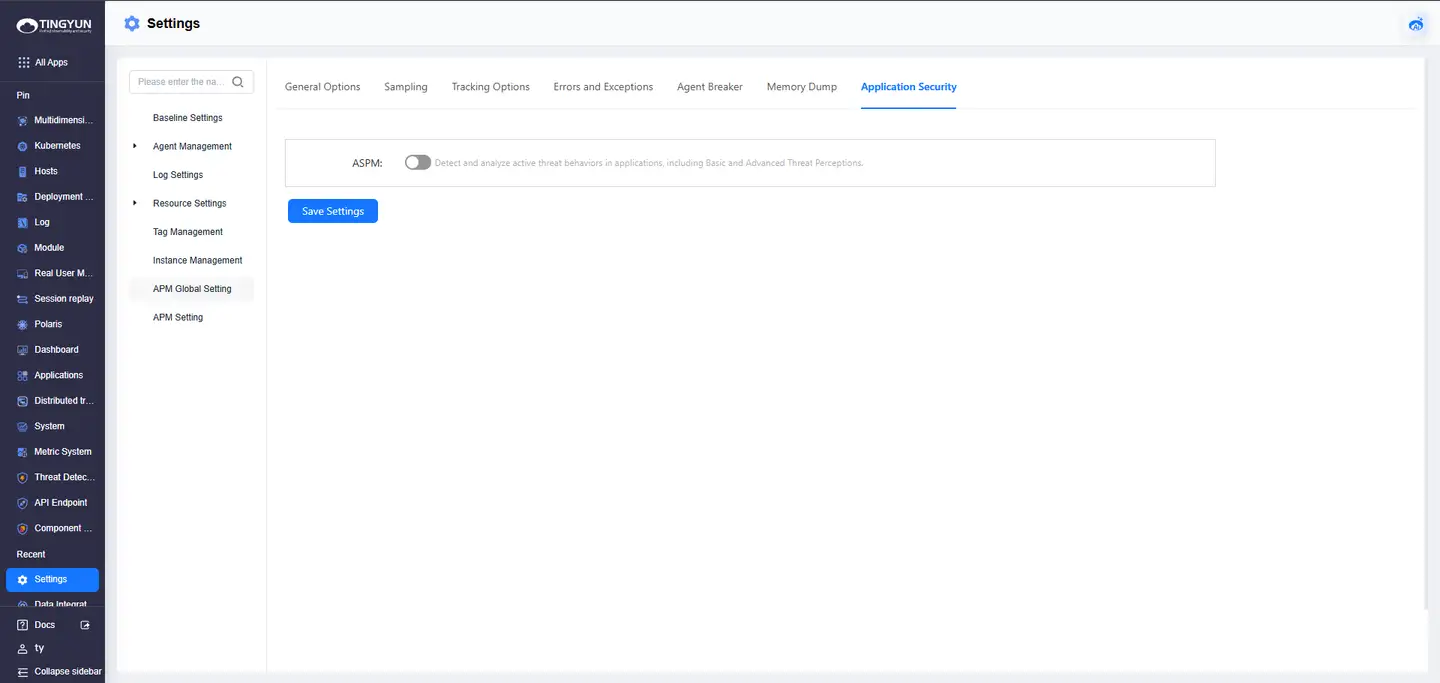
- Enable application security observation through global configuration on the platform: "All Apps > Settings > APM Global Settings > Application Security" to enable the global configuration of application security observation.
- Deploy OneAgent (java.conf) and Java Agent (tingyun.properties) and set the following configuration parameters from false to true (Note: These parameters are not present by default in the java.conf file for version 3.9.0.0, Please add it to the end of the file):
aspm.plugin_enabled=true
capture_full_parameters=true
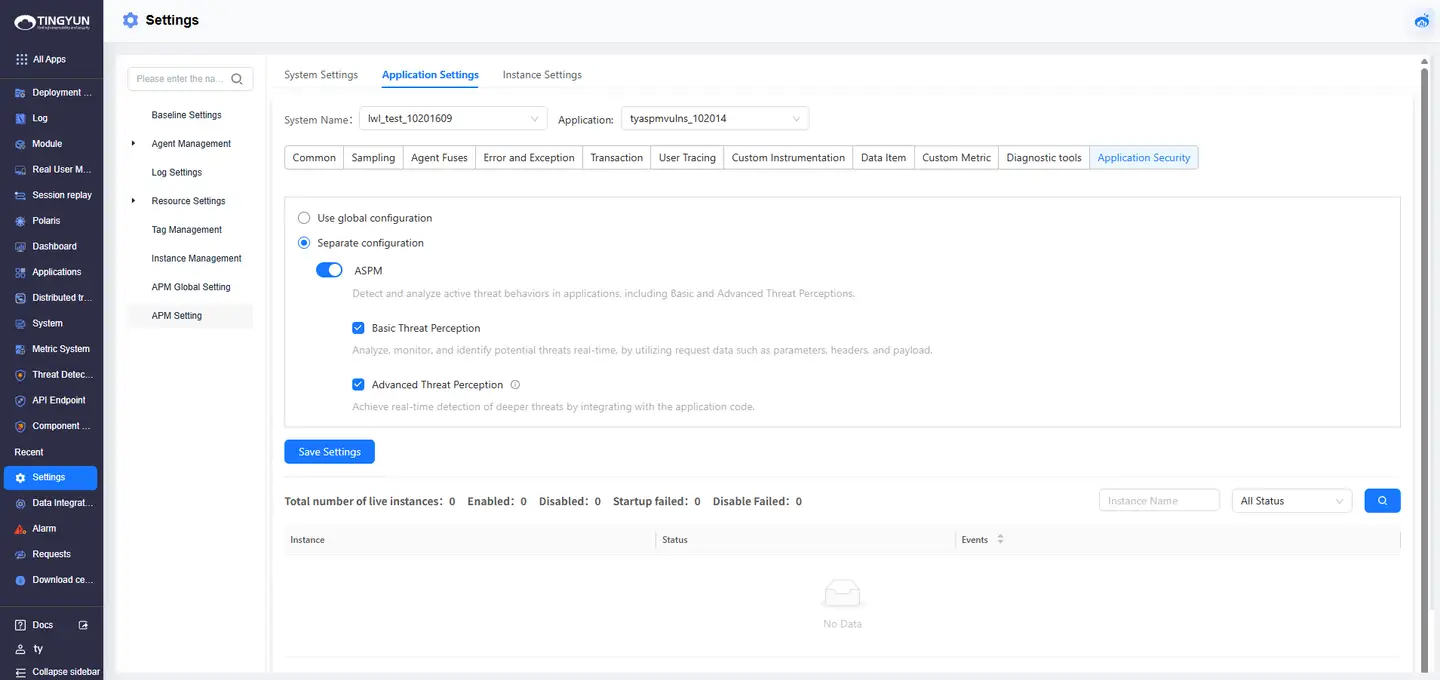
- After deploying the Agent and the application goes online, enable deep threat detection capabilities: "All Apps > APM Settings > Application Settings > Application Security > Separate configuration > Application security observation > Deep threat awareness" to enable deep threat detection.
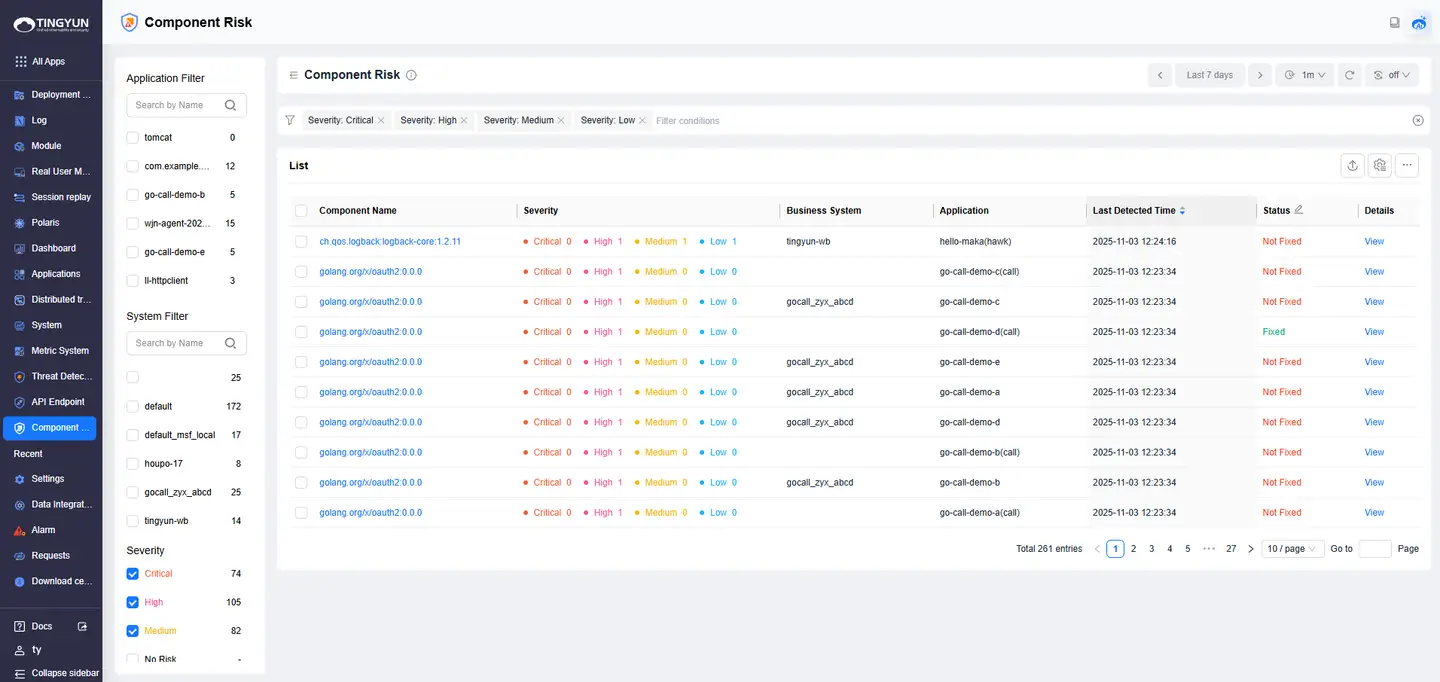
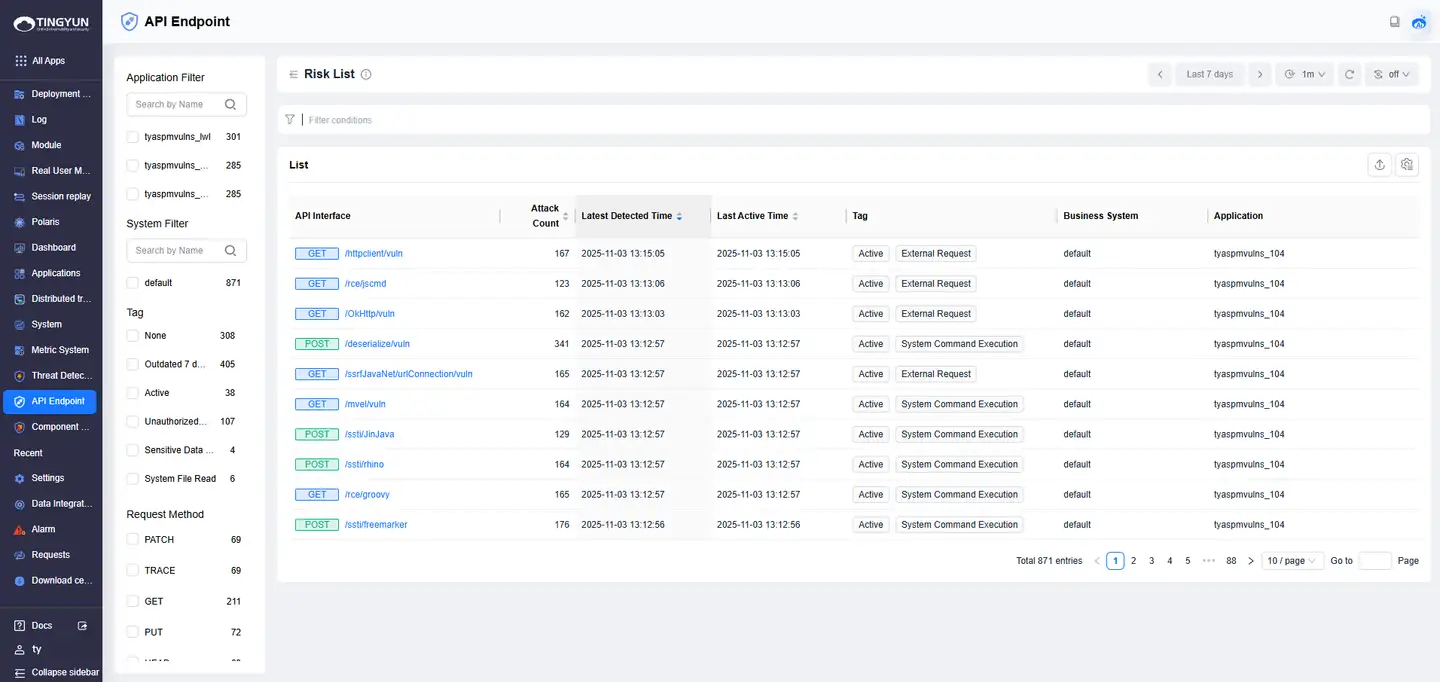
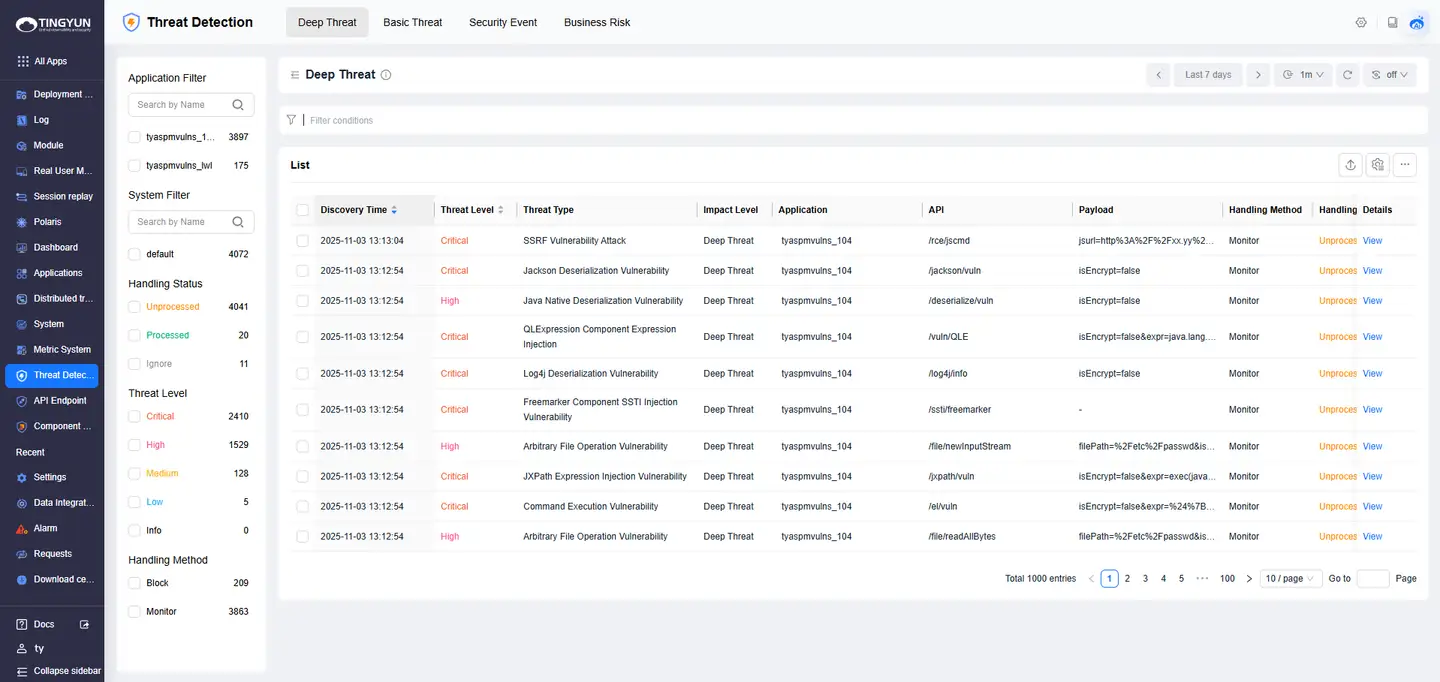
- After deploying the Agent and restarting the application, the "Component Risk" and "API Endpoint" modules will automatically collect data by default. It is normal for the "Threat Detection" module to have no data when there are no attack behaviors.
- Create a new policy template: "Threat Detection > Settings > Policy Management > New" to create a security policy template.
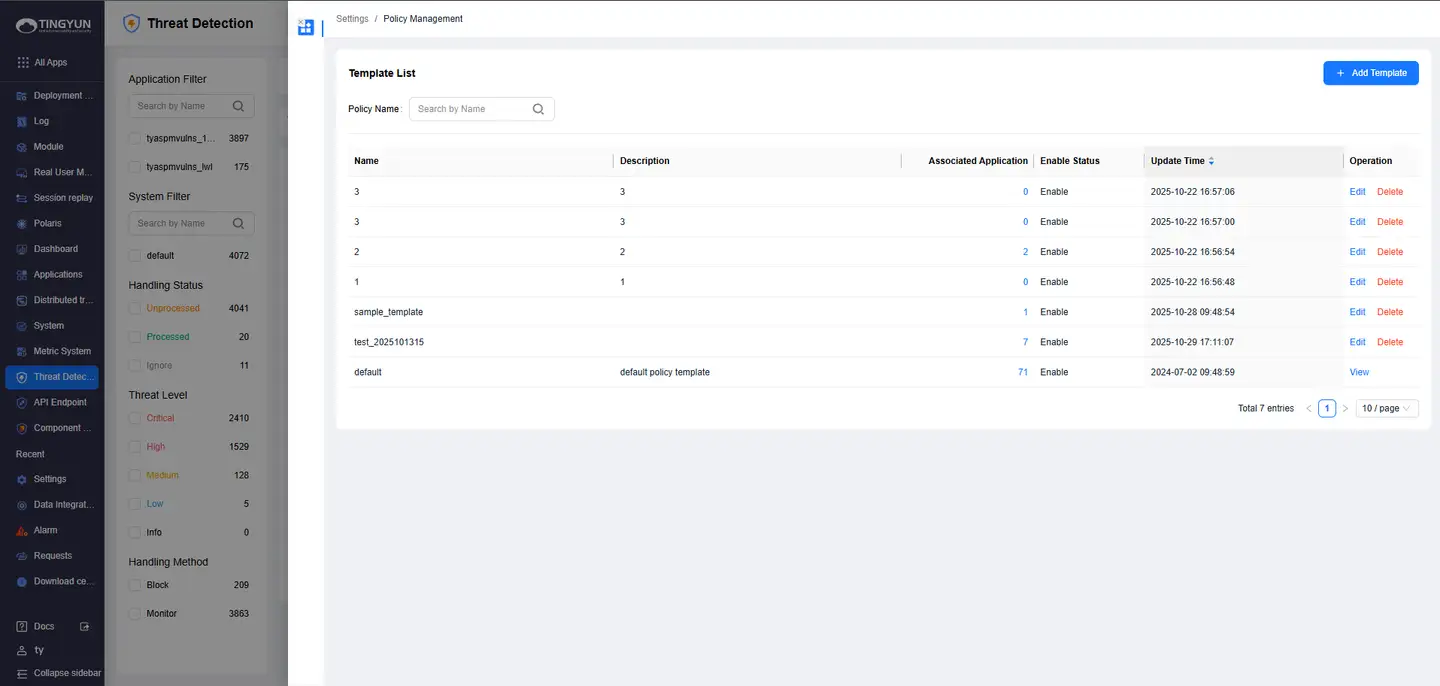
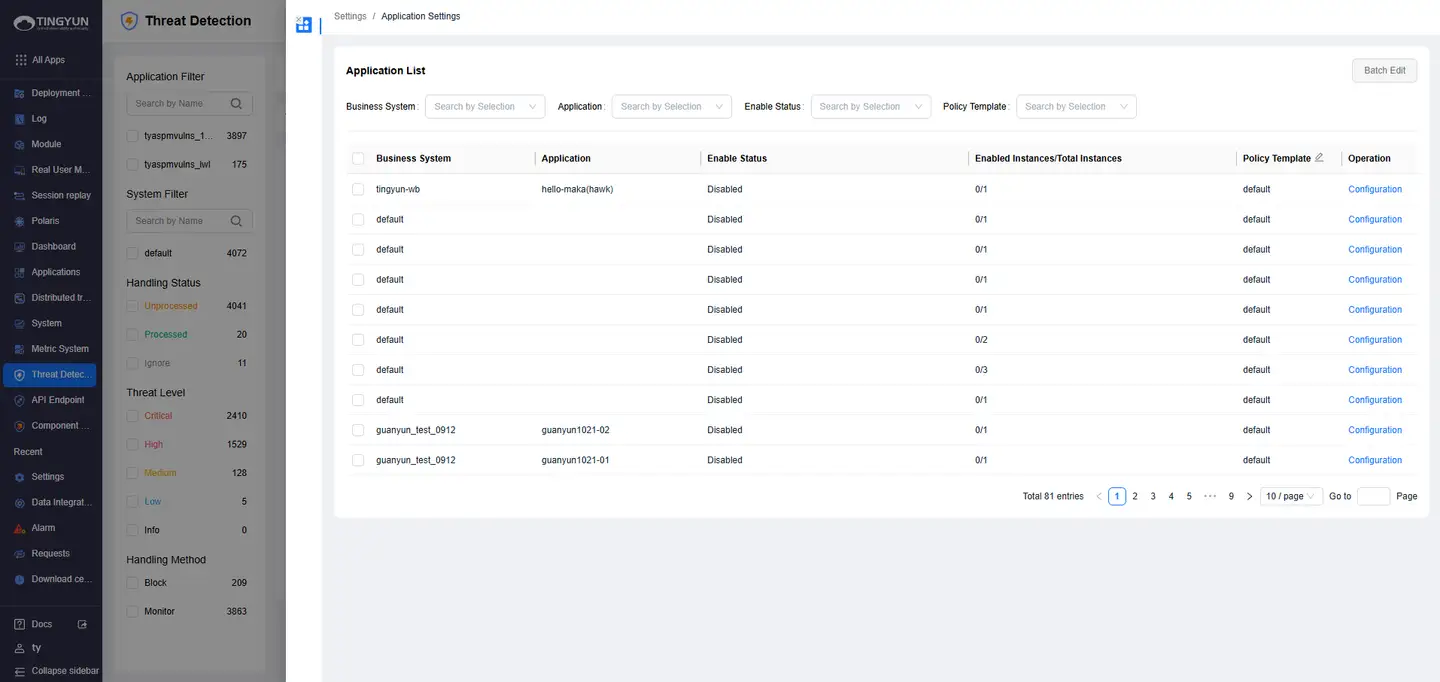
Configure security policy: "Threat Detection > Settings > Application Settings" to configure the security policy template.